
Sync offline changes?

You’re connected and have records waiting to upload. Enter your offline passphrase to unlock and sync them to your account.

Open offline journal

Set this up in Settings while signed in online first. Enter your separate offline passphrase to open the saved journal on this device.

Keep Seizurely close

Add Seizurely to your apps, home screen or browser favourites.

Phone or tablet

On Android, open your browser menu and choose Install app or Add to Home screen, if available. On iPhone or iPad, open Seizurely in Safari, tap Share → Add to Home Screen → Add.

Browser favourite

Use your browser’s bookmark or favourites menu. On a computer, press Ctrl+D (Windows/Linux) or ⌘D (Mac).

Desktop shortcut

Use your browser’s install or create-shortcut option, if offered. On Windows you can also download the shortcut below and move it from Downloads to your desktop. It opens Seizurely in your default browser.

Installing uses your current browser. To install through your default browser, open Seizurely there first. Offline journal access is set up separately in Settings.

Average duration by symptom

Across all recorded symptoms with a duration. Missing durations are excluded. Legacy entries listing several symptoms are grouped together.

How have things been going?

Before creating your PDF, reflect on this reporting period. How have your mood, irritability, energy, sleep or day-to-day life been? Is there anything your activity logs missed?

Included in this PDF only; not saved to your journal. This is your own account, not an automated sentiment assessment.

Seizurely

A clearer view of your health

Notice the patterns.
Remember the details.

Build a clearer picture of your days, one symptom at a time.

  • Log symptoms, impact, triggers and medication.
  • Explore monthly patterns and symptom durations.
  • Keep an offline journal and share a PDF with your health team.
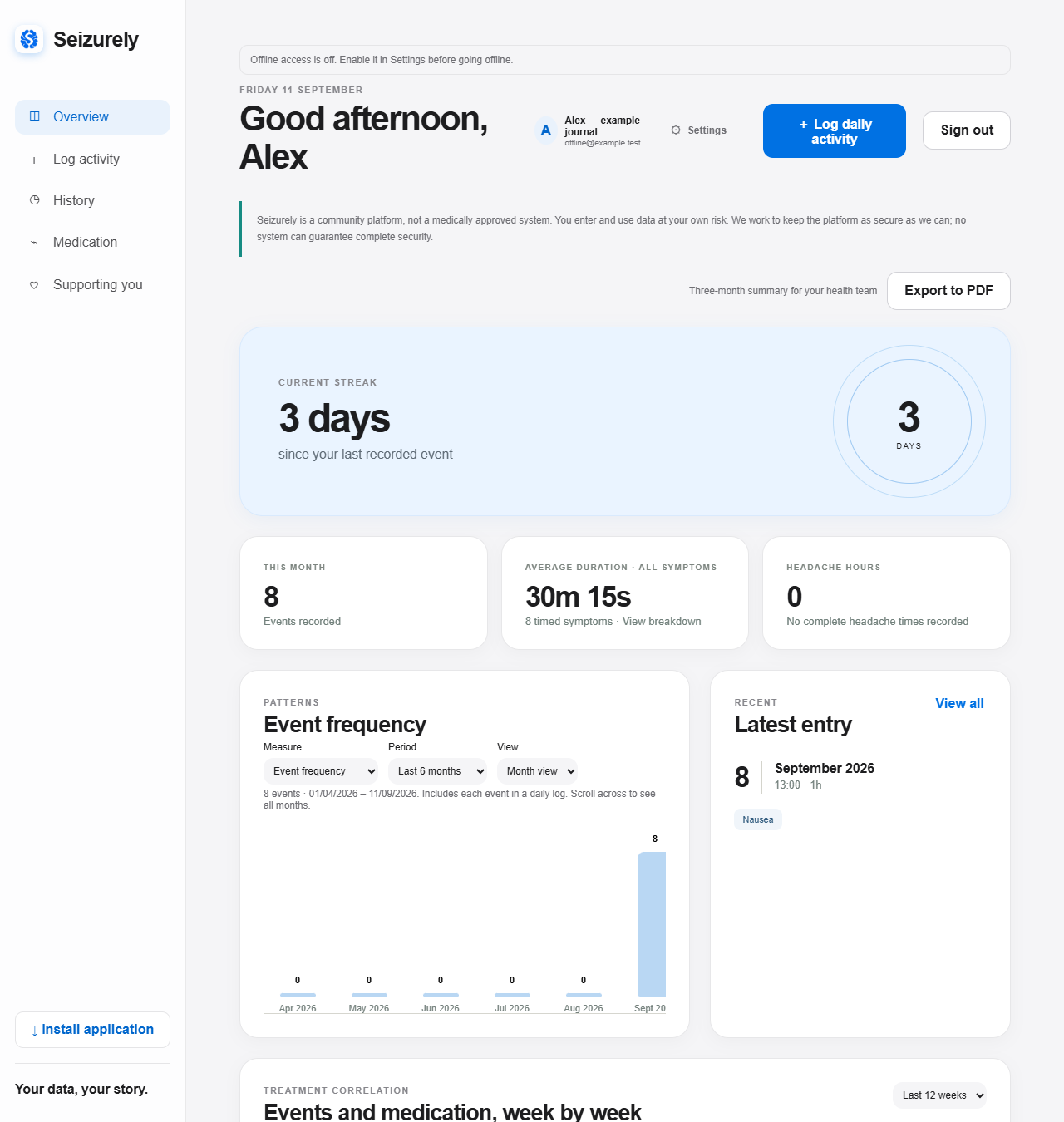
Example Seizurely dashboard with symptom patterns and journal summaries; demonstration data
Example dashboard · demonstration data
“Designed to make difficult days a little easier to understand.”

PRIVATE BY DESIGN

Welcome back

Sign in to continue to your journal.

Google sign-in not opening?

Allow Google sign-in and pop-ups for this site in your browser, then refresh this page and tap the Google button again. In Brave, check the Google sign-in permission in your privacy settings. You can also open Seizurely in Chrome.

or use your local account

New to Seizurely?

Privacy policy · Terms of Service

Seizurely is a community platform, not a medically approved system. You enter and use data at your own risk. We work to keep the platform as secure as we can; no system can guarantee complete security.

Secure sign-in

Local test inbox

Test mode: these emails stay on this computer and are not sent to a real mailbox.

NEW JOURNAL ENTRY

Log daily activity

Record what you remember. You can leave anything uncertain blank.

When did it happen?

More events on this day

Add another symptom with its own time, duration and impact score. Activity, medication and notes below apply to the whole log. For an event crossing midnight, enter its duration.

Was this work related?

What was happening beforehand?

Headache tracking

I experienced a headacheLeave the end blank while it is ongoing. Totals count your 16-hour waking day; finish an ongoing headache here or on the dashboard.

Medication at the time

Medications active on the seizure date are selected automatically. Adjust them if needed.

No medication periods recorded.

Deselect if you missed a dose or took it incorrectly.

Anything else?

PATTERN DETAIL

Dashboard detail

Delete my account

Manage account

GOOGLE SIGN-IN SETUP

One configuration step remains

This preview is ready for Google Identity Services, but it needs your own Google OAuth client ID before Google sign-in can securely identify users.

Add the client ID to config.js or the server's GOOGLE_CLIENT_ID setting. Local accounts and sample mode work now.